




- VHP welcomes HM Shah's UCC announcement; says move will advance women, child rights
- India women’s Asia Cup triumph clouded by narrow politics
- EET Retail acquires leading UK independent forecourt network SGN Retail
- Woman Biker Hit By Car In Gurugram After Asking Driver To Keep Distance
- Anthropic CEO Dario Amodei says AI firms lied, warns of technology’s dangers
- International Chocolate Day 2026: Celebrating the Legacy of Milton Hershey
- CM Shivakumar appeals to people to maintain peace, harmony on Ganesh Chaturthi
- Former White House AI official urges OpenAI, Anthropic to slow AI development
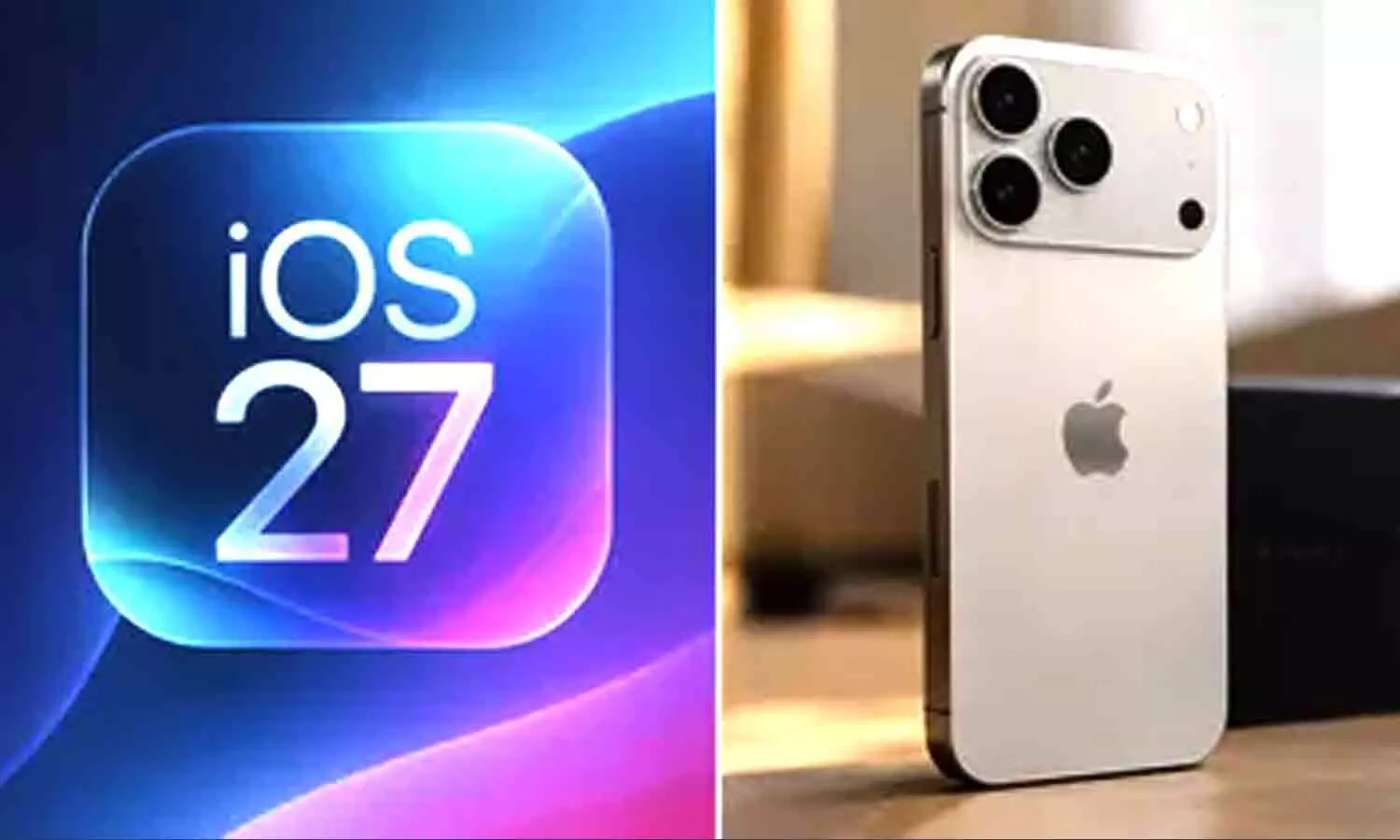
Apple launches iOS 27 today: New features, compatible iPhones and download
In Short
Apple will begin rolling out iOS 27 to compatible iPhones on September 14. IOS 27 brings a Siri experience, interface changes, Visual Intelligence improvements and expanded parental controls.

Share :
Apple launches iOS 27 today: New features, compatible iPhones and download
Apple is launching iOS 27 today, September 14 for iPhones, in India and other markets. This new version of the iPhone operating system was first introduced at WWDC 2026. Since then, it has gone through developer and public beta versions. At this week's iPhone launch event Apple said that the iPhone 18 Pro and iPhone Duo models will be the first devices to come with iOS 27 already installed.
The iOS 27 update brings new features that make using the iPhone more fun. It gives a Siri experience that uses Apple’s own models and also Google’s Gemini. There are also changes to the Liquid Glass interface improvements, in Visual Intelligence and a wider range of controls. Apple has not said when it will launch but looking at past big iOS releases and Apple’s local webpages, the update should start rolling out around 10:00 AM Pacific Time which is 10:30 PM IST.
iOS 27 Launch in India
iOS 27 will arrive as an over-the-air update. In India Apple’s website says September 14 is the launch date while other Asian markets – such as Singapore and Hong Kong – show September 15 because of time zone differences. Users may not see the iOS 27 update away after it goes live because availability can vary a bit depending on the device and region. Also Apple users might notice download speeds and delays at the beginning of the rollout because the company’s servers are busy, with high demand.
How to install iOS 27 on your iPhone
Before installing the update back up data. Before installing the update ensure the iPhone has battery charge or is connected to a charger.
– To download iOS 27, open the Settings app.
– Tap General, then tap Software Update.
– Wait for the iPhone to check for available updates.
– Once iOS 27 appears, tap Download and Install. – After installation, follow the on-screen instructions and wait for the device to restart.
iPhones compatible with iOS 27
Apple states that iOS 27 is compatible with the iPhone 11 series and later models, as well as the second- and third-generation iPhone SE. This includes the iPhone 18, iPhone Duo, iPhone 17, iPhone 16, iPhone 15, iPhone 14, iPhone 13, iPhone 12, and iPhone 11 series, in addition to the iPhone SE (2022) and iPhone SE (2020). The newly released iPhone 18 Pro, iPhone 18 Pro Max, and iPhone Duo come with iOS 27 pre-installed.
New iPhone features in iOS 27
New Siri: One of the new things in iOS 27 is the updated Siri experience. Apple has created a Siri app. This lets people start conversations and continue where they stopped before. The assistant can use Apple’s models along with Google’s Gemini models. It also says it can use context to get information from apps and do things inside supported ones. The new AI-powered Siri is coming out in beta. It will only work on devices set to English at first. Apple says support for French, Japanese, Korean, Portuguese and Spanish will come in October.
Visual Intelligence: Apple is also expanding Visual Intelligence in iOS 27. Users can access it through the Camera app to analyse objects and scenes. They can ask Siri questions about what they see and take actions. This feature also works with on-screen content allowing users to get information directly from what's displayed.
Liquid Glass interface customisation: Additionally, the Liquid Glass interface, which first appeared in iOS 26 now gives users ways to customise. The Liquid Glass interface allows users to change how transparent the interface looks by using an opacity slider letting them choose between a sharper look and a frosted look. Apple also makes changes to app icons.
More user-focused improvements: Other changes in iOS 27 include more Apple Intelligence features in Photos, Safari, Wallet and Shortcuts. Apple is introducing -large widgets. Users can now make the time display on the Lock Screen much smaller. There are also volume controls, for ringtones, alarms, timers, alerts and system sounds.
The update brings a redesigned Phone app. Messages and Mail now offer suggestions. Safari gets a feature that organises tabs by topic.
Expanded parental controls: Apple has expanded controls in iOS 27. Apple adds Ask to Buy and Ask to Browse features contact approval and also time limits and usage schedules.
Arrival of macOS Golden Gate and iPadOS 27
Apple is expected to release macOS Golden Gate and other OS 27 series updates around the same time; however, for iPhone users, the focus will be on when the software appears in the Software Update menu.

CM Chandrababu Naidu offers prayers with family on Vinayaka Chavithi
Amazon suspends 21 Air operations after fatal Miami cargo plane crash
Ganesh Chaturthi celebrations sweep India; devotees throng Maharashtra temples, pandals
Tarun Tejpal Surrenders In Goa After Rape Verdict, Plans To Move Supreme Court
Politics and sport do go together
Weather alert issued for 17 Bihar districts; rain and lightning forecast


