




- Heavy rain forecast for Tamil Nadu for next two days; eight districts on alert for Diwali
- Google Faces Lawsuit Over AI on School Laptops
- Petrol and diesel prices today in Hyderabad, Delhi, Chennai and Mumbai on 07 November 2026
- Gold and Silver rates today, 7 Nov in Hyderabad, Visakhapatnam, check gold prices of 18K, 22K, 24K
- Gold and silver rates today 7 Nov stable in Bengaluru and Chennai, check gold prices of 18K, 22K, 24K
- Gold and silver rates today, 7 Nov in Delhi, Mumbai, check gold prices of 18K, 22K, 24K
- Annamalai urges people to buy more crackers for Diwali, cites livelihood of eight lakh workers
- India offers remarkable resilience and opportunity amid AI frenzy: HSBC economists
ChatGPT Now Lets Users Turn Photos And Sketches Into Animated GIFs
In Short
ChatGPT's latest image generation update allows users to transform photographs, sketches and text prompts into animated GIFs for greetings and creative social media posts.
Share :
ChatGPT Now Lets Users Turn Photos And Sketches Into Animated GIFs
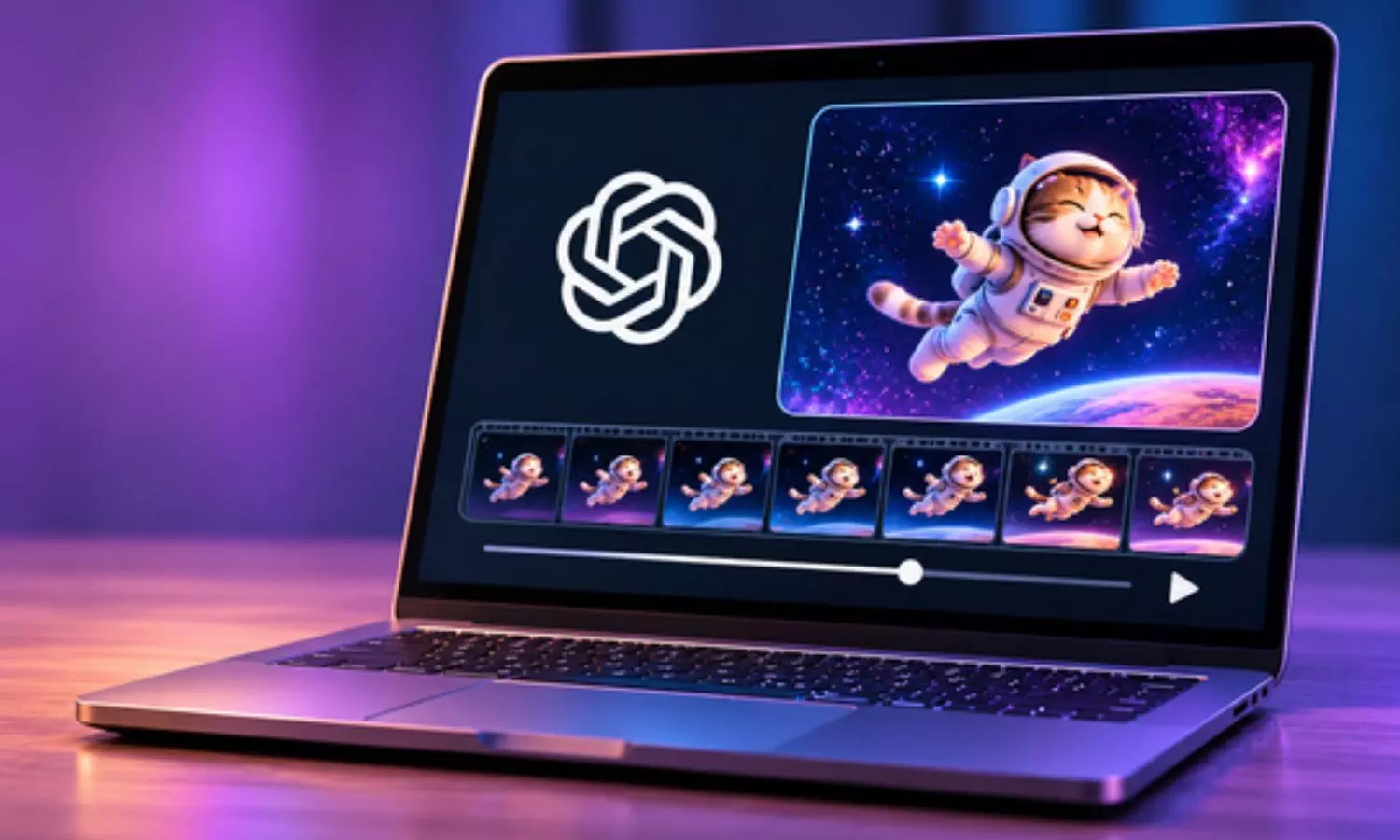
You can now transform a photograph or a simple drawing into a GIF directly through ChatGPT. OpenAI has added a GIF‑making option in its Images 2.6 update allowing users to add movement to pictures without learning how animation software works.
The feature, launched on November 4 uses instructions. Users upload a photograph. Tell ChatGPT what they want to change. For example, a picture of a person can be animated to show blinking smiling or waving. If a user does not have an image ready the user can describe an idea in words. Ask ChatGPT to create a GIF animation.
There are ways to try it out. A user who wants to send a kind of birthday wish can create an animated cake with candles and balloons. For Diwali users can make diyas flicker. Add festive greetings. Pet owners can give their photographs a little movement while users who enjoy drawing can experiment with turning sketches into GIF animations.
Once the GIF is ready users can check whether the GIF matches what they had in mind. If the movements look different, from what the user expected the user can give ChatGPT instructions and try again. The finished animation can then be. Shared.
The idea is simple: by sending the same old photograph users can add a little movement to the GIF and give it a more personal touch.
How To Create Animated GIFs Using ChatGPT Images 2.6
Users can create animated GIFs by uploading an existing photograph or sketch, or simply describing their ideas. Here is a step-by-step guide:
- First, open ChatGPT on your phone or computer.
- Open a new chat and look for the image creation option.
- Upload the photo or drawing you want to use. You can also start without an image if you want to create something from scratch.
- In the chat box, explain what you want to happen in the picture. For example, if you upload a person's photo, you can ask ChatGPT to make them blink, smile or wave.
- Don't forget to mention that you want the image as a GIF. You can also specify how long it should run and whether it should repeat.
- Once you have entered the instructions, send them to ChatGPT and wait for the GIF.
- Have a look at the animation. If it needs some changes, type another instruction and ask ChatGPT to make the corrections.
- When the GIF looks the way you want, save it to your device. You can now share it on WhatsApp or other platforms.
ChatGPT Prompts To Create Animated GIFs
Here are five prompts’ users can try to explore the feature:
1. Animated Portrait: “Bring this photo to life by making the person blink, smile and gently turn their head. Keep their original appearance, outfit and background intact. Make it a 5-second GIF that plays on repeat.”
2. Birthday Greeting: “Create a cheerful birthday animation with a beautifully decorated cake, flickering candles, colourful balloons and falling confetti. Add the message ‘Happy Birthday’ in the middle.”
3. Animated Pet: “Make my pet come alive with natural head movements, blinking eyes and a gently wagging tail. Retain its original look and turn it into a 5-second looping GIF.”
4. Diwali Greeting: “Create a festive Diwali animation featuring glowing diyas, sparkling lights and a beautiful ‘Happy Diwali’ message. Make the lights twinkle and let the animation play in a continuous loop.”
5. Moving Sketch: “Bring this hand-drawn character to life by making it wave, blink and smile. Preserve the original drawing style while adding natural movements.”
Tips For Better GIFs Using ChatGPT
The quality of the animation you want depends a lot, on how the user tells the system what they need. By just saying, "ChatGPT animate this picture " it is much better to tell the exact movements how long the animation should run and whether it should loop.
Users should also say which original details must stay the same. For portraits telling the system to keep the features the clothes and the background unchanged helps keep the picture looking consistent. Also if the user limits how many movements are added the animation will look more natural.
With these tools users can try out greetings, animated memories and creative festival messages all right inside ChatGPT.

Chori Ki Baat Chai pe Won’t Help Rahul Get Votes—TBJP Chief
Happy Diwali 2026: Guide To Find And Share Laxmi Puja Videos On WhatsApp
India’s chemicals and petrochemicals industry projected to reach $300 billion by 2030
Andhra Pradesh: MPTC, ZPTC vote counting today amid tight security
Telangana Govt eyes revenue windfall through land auctions
CM Chandrababu Naidu promises support to cyclone-hit farmers


