




- Singareni raises daily OB removal target to 12.1 lakh cubic metres
- FASTag Portability Made Easy: Switch Your Bank Without Removing Sticker via OneTag
- Ramanathaswamy Temple takes centre stage at BRICS
- No shortage of funds for development works, says Gujarat CM
- Adarsha Kutumbam Teaser Is A Perfect Blend Of Comedy And Thriller
- India’s 2026 BRICS Presidency deepens gulf partnership beyond oil into tech, food security
- Have informed CM about person who filed ED complaint against me, says Karnataka Minister Satish Jarkiholi
- OPPO A7 Pro launched with 8,000mAh battery and 120Hz AMOLED display
FASTag Portability Made Easy: Switch Your Bank Without Removing Sticker via OneTag
In Short
FASTag users can now switch their linked bank without replacing the vehicle sticker through the OneTag feature on RajmargYatra app.

Share :
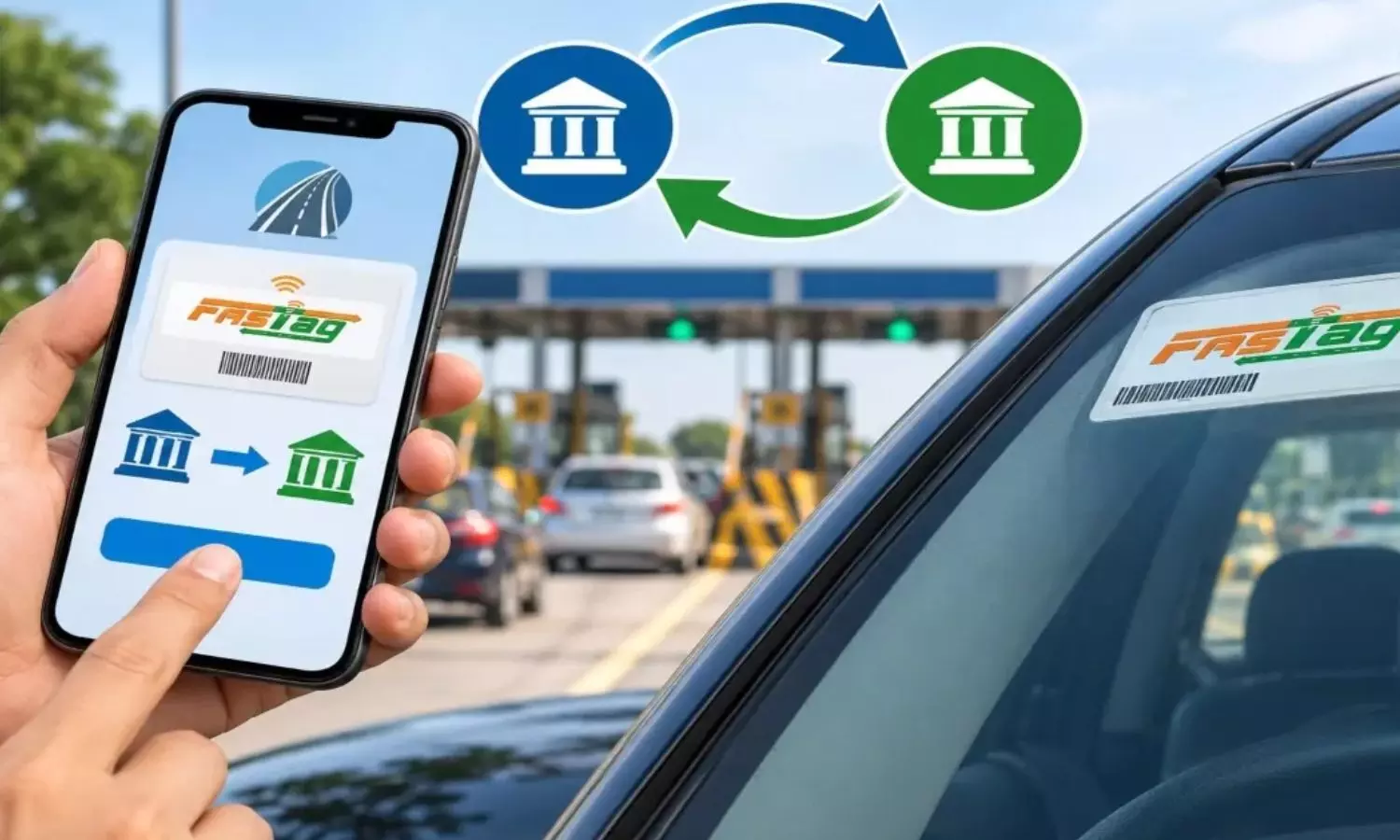
Changing the bank linked to a FASTag is set to become more convenient for vehicle owners.
Changing the bank linked to a FASTag is set to become more convenient for vehicle owners. Under the new OneTag facility, users can port their existing FASTag from one eligible bank to another without removing the sticker fixed to the vehicle’s windscreen.
The OneTag feature is available through the RajmargYatra app and is designed to simplify the process of changing FASTag service providers. Union Minister for Road Transport and Highways Nitin Gadkari launched the feature at the Global Fintech Fest 2026 in Mumbai on Friday.
What is OneTag and how does it work?
Earlier, changing the bank associated with a FASTag generally required users to close their existing FASTag account and obtain a new one. This meant removing the old sticker and installing another FASTag on the vehicle.
OneTag changes this process by allowing an existing FASTag to be shifted to another eligible bank while retaining the same physical sticker. The process is similar to mobile number portability, where the number remains unchanged even though the service provider is switched.
The OneTag option is available on the home screen of the RajmargYatra app.
How to port FASTag using OneTag
1. Open RajmargYatra and check portability
Install the RajmargYatra app and log in using OTP with the mobile number registered with the FASTag. On the home screen, select OneTag and tap on Check Portability.
2. Enter vehicle details
Tap Get Started and provide the vehicle registration number. Select Proceed, after which the system will check whether the existing FASTag qualifies for portability.
3: Verify details and OTP
After the portability check, users need to verify the information displayed on the screen. Tap Proceed and then select Get OTP. Enter the OTP received on the registered mobile number and accept the required terms and conditions.
Before the process continues, users may also receive an SMS from their existing FASTag-linked bank.
4: Select the new bank
Users can then select their preferred bank from the list of available banks and submit the portability request.
The existing bank will process the refund and settlement of the old FASTag account. Once this process is completed, the FASTag will be linked to the newly selected bank.
Keep registered mobile number active
Users should ensure that the mobile number linked to their FASTag remains active during the entire portability process. Multiple OTPs may be required, making access to the registered number essential.
Check balance and pending dues
Before initiating the transfer, users should check their existing FASTag account. The wallet should not have a negative balance, and there should be no pending toll charges or challans linked to the FASTag.
Any outstanding dues could result in the portability request being cancelled.
Refund may take time
The existing balance and security deposit with the old bank may not be transferred immediately after the porting request. The bank may require a few days to complete the refund and settlement.
Users should continue checking the status of their request. If the settlement is delayed or another issue arises, they should contact the concerned bank.
When can OneTag portability be rejected?
Not all FASTags qualify for portability. Tags that are blocked, blacklisted or have a damaged chip cannot be shifted to another bank through OneTag. In such cases, the vehicle owner will need to obtain a new FASTag.
What changes after porting?
The biggest advantage of OneTag is that users do not have to replace the physical FASTag sticker simply because they want to change the linked bank. Once the necessary checks and settlement with the previous bank are completed, the existing FASTag can be ported to the selected bank, making the process considerably easier for vehicle owners.

Big blow to Congress in Uttarakhand: Senior leader Harish Rawat quits party posts
Education policy will meet needs of ‘Gen Alpha, Gen Beta’: Revanth
Trump moves to axe 60-day grace period for H-IB visas
TG BJP to launch month-long Seva Sankalp Abhiyan: NRR
University account linked to KCR aide holds over Rs 400 cr: CM Revanth
BRICS Summit should not become anti-West platform


