




- Northeast logs lowest southwest monsoon rainfall since 1901: IMD
- India's office space absorption surges 8 pc to record 66.4 million sq ft in Jan–Sep: Report
- Adani Green Energy expands battery storage capacity to 6.63 GWh in just 14 months
- Wi-Fi 5 vs. Wi-Fi 6: Is It Really Time to Upgrade Your Router?
- YS Jagan praises Flydubai Pilot Captain Smit Machhar
- G20 trade meet exposes fault lines over global rules
- Brazil pushes WTO reform, opposes coercive tariffs
- Flood crisis deepens in Bihar as embankments breached by Gandak River across multiple districts
Wi-Fi 5 vs. Wi-Fi 6: Is It Really Time to Upgrade Your Router?
In Short
There was a time when a home Wi-Fi network had very little to deal with. A couple of phones, perhaps a laptop and a television were about it. That is hardly the case anymore.

Share :
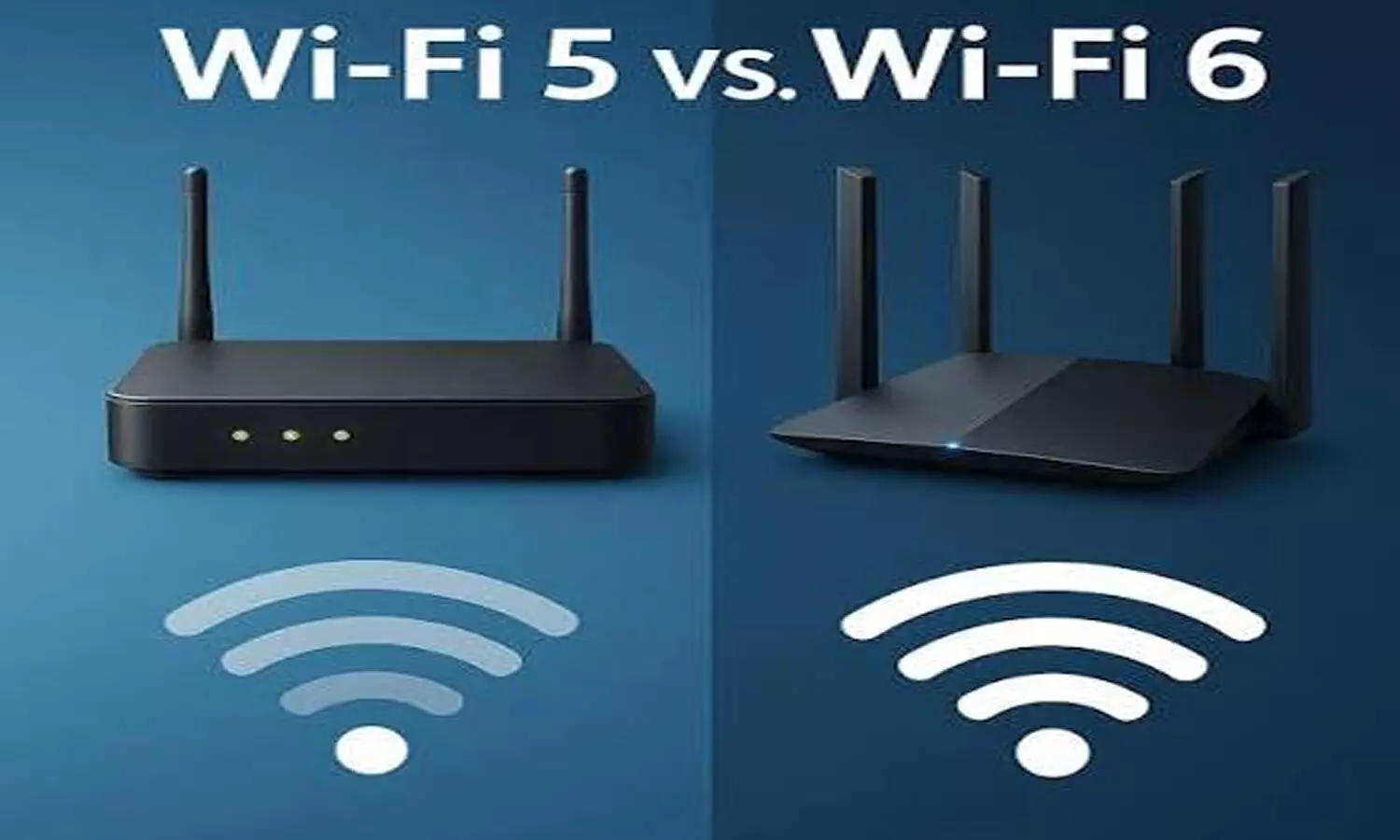
Wi-Fi 5 vs. Wi-Fi 6: Is It Really Time to Upgrade Your Router?
Today, it is common to have several phones, laptops, a smart TV, smartwatch, speakers, security cameras and even basic appliances connected to the same router. Most of these devices are quietly using the network throughout the day.
That is also where an older router can begin to struggle.
A five-year-old router may still technically work, but that does not necessarily mean it is keeping up with the way a modern home uses the internet. Slowdowns in the evening, buffering during streaming and occasional Wi-Fi dropouts can all become more common as more devices are added.
This is where the difference between Wi-Fi 5 and Wi-Fi 6 becomes worth looking at.
Wi-Fi 5 is not useless
Wi-Fi 5 also known as 802.11ac is a wireless standard.
It still works well for many users. In a home with just a few devices a good Wi-Fi 5 router can manage everyday tasks like web browsing, watching videos, online shopping and video calls without any major issues. There is no need to upgrade just because Wi-Fi 6 exists. It is newer. Wi-Fi 5 is still reliable, for normal use.
The issue usually happens when the number of devices that are connected starts to go up.
Imagine a house where one person is watching Netflix on the TV and another person is on a work call. At the time phones are transferring pictures a smartwatch is looking for new information and smart-home devices are sending information in the background.
None of those activities is especially demanding on its own. Put them together, though, and an older router has a lot more work to do.
So, what does Wi-Fi 6 actually change?
Wi-Fi 6, also called 802.11ax, was developed with busy networks in mind.
One of the important technologies behind it is OFDMA. The name sounds complicated, but the basic idea is fairly simple. Instead of handling network traffic in a less efficient sequence, the router can divide a channel and serve several devices more efficiently.
For people using a lot of connected devices, this matters more than having an impressive maximum speed printed on the router's box.
The benefit is often felt when the network is busy. A video call is less likely to suffer simply because someone else has started streaming. Smart devices can continue doing their thing without adding as much strain to the network.
It is not a magic fix for a poor broadband connection. If the internet service itself is slow, changing the router will not suddenly double the connection speed. But when the router is the weak link, Wi-Fi 6 can make the home network feel considerably less crowded.
What about 2.4 GHz and 5 GHz?
Wi-Fi 5 and Wi-Fi 6 routers can both be dual-band, so this is not a straight Wi-Fi 5 versus Wi-Fi 6 difference.
The 2.4 GHz band has been around for years and remains useful because its signal generally travels farther and passes through walls better. That makes it handy for smart plugs, sensors and similar devices.
The 5 GHz band is faster and tends to be a better choice for streaming, gaming and video calls, particularly when the device is fairly close to the router. Its range, however, is not as good as 2.4 GHz.
A dual-band router lets devices use the band that makes more sense for them. With Wi-Fi 6, the newer networking features help the router handle the traffic more efficiently.
The upgrade may be noticed more in stability than speed
One of the misconceptions about buying a new router is that the internet will suddenly become much faster.
Sometimes it does. But that depends on the router, the broadband connection and the devices being used.
For many homes, the more obvious change is that the connection simply behaves better.
A video meeting that used to freeze for a few seconds may remain steady. Streaming may stop buffering whenever several people are online. Devices that occasionally disappeared from the Wi-Fi network may stay connected.
These are small things, but they are also the sort of problems that become irritating when they happen every day.
Should a Wi-Fi 5 router be replaced during a sale?
This is where seasonal sales can make a difference.
Wi-Fi 6 routers generally cost more than basic Wi-Fi 5 models, although the price gap is not as wide as it once was. During major sales, some Wi-Fi 6 models can become much easier to justify, particularly for households that were already considering an upgrade.
There is no need to buy one simply because it is on sale, though.
If an existing Wi-Fi 5 router is working well and only a handful of devices are connected, the upgrade may not bring much change to everyday use. Spending money on a new router just to have the latest standard is not necessarily useful.
For a busy household, the calculation is different.
If the router regularly drops connections, struggles in the evening or cannot cope well when several devices are being used together, moving to Wi-Fi 6 makes more sense.
Wi-Fi 5 vs. Wi-Fi 6: At a glance
Who should actually make the switch?
There is no universal answer.
A home that has two or three devices and a strong Wi-Fi 5 router probably doesn't need to hurry with an upgrade. If everything is working fine there's no reason to change something that isn't broken.
A larger home is a different story. When several people are working, streaming and using phones at the same time, the router has much more to manage.
Wi-Fi 6 can also be worth considering for homes that have gradually accumulated smart devices. A single smart plug will not make much difference, but a house filled with connected lights, cameras, speakers, watches and other gadgets presents a very different workload.
It is also important not to confuse router performance with Wi-Fi coverage. A newer standard does not automatically mean every corner of a house will suddenly have a signal. Router placement, walls, floor plans and the size of the home still matter. In a large house a mesh system may be a better answer, than simply buying a more expensive single router.
Conclusion
Wi-Fi 5 still has a lot of life left. For people who use the internet lightly there may be no need to replace a router that is still working well.
Homes have become much more connected than they were a few years ago. When phones, televisions, laptops and smart-home devices all need the network an older router can start to slow everything down.
That is where Wi-Fi 6 has its place.
The main reason to upgrade is not about getting a number on a speed test. It is about having a network that feels less stressed when the whole house is using it.
If a seasonal sale offers a good Wi-Fi 6 router at a reasonable price it can be a smart time to make the change.

AP Government Faces Setback as HC Strikes Down 34% BC Reservation
Commercial LPG Price Hike From October 1: Check New Rates In Delhi, Mumbai, Chennai And Other Cities
PM Modi Speaks To Family Of Injured Flydubai Pilot Smit Machchhar After Mid-Air Attack
India-EU FTA: Progress on trade deal and tech council reviewed, says Piyush Goyal
Nine killed as Pakistan strikes civilian areas across Afghanistan
Karnataka plans ban on half helmets; proposes Rs 5,000 fine for footpath riding: Minister Suresh


