




- BRS activists torn down banners of Malla Reddy 's daughter-in-law Preethi Reddy in Medchal
- Centre to host 2-day state finance ministers' meet to discuss policy priorities
- Nitin Nabin arrives in Indore on first MP visit as BJP chief, will launch welfare outreach campaign
- Mom-to-be Samantha Ruth Prabhu begins shooting for 'Celebrity MasterChef Tamil’, flies to Chennai
- 'Patently false': Govt refutes allegation of external pressure in MDR rollout
- What skills should students develop before studying abroad
- At least 48 dead in Nigeria after consuming drink suspected to contain methanol, police say
- PM Modi turned 'Viksit Bharat' into national mission like Gandhi, Patel did for freedom struggle: Shinde
AI Helps Anyone to be a Professional Photographer
In Short
The users, with the help of ChatGPT, can easily edit their photos, and users can also improve lighting and remove unwanted objects or enhance portraits. If they do not like the background, they can very well change the background.

Share :
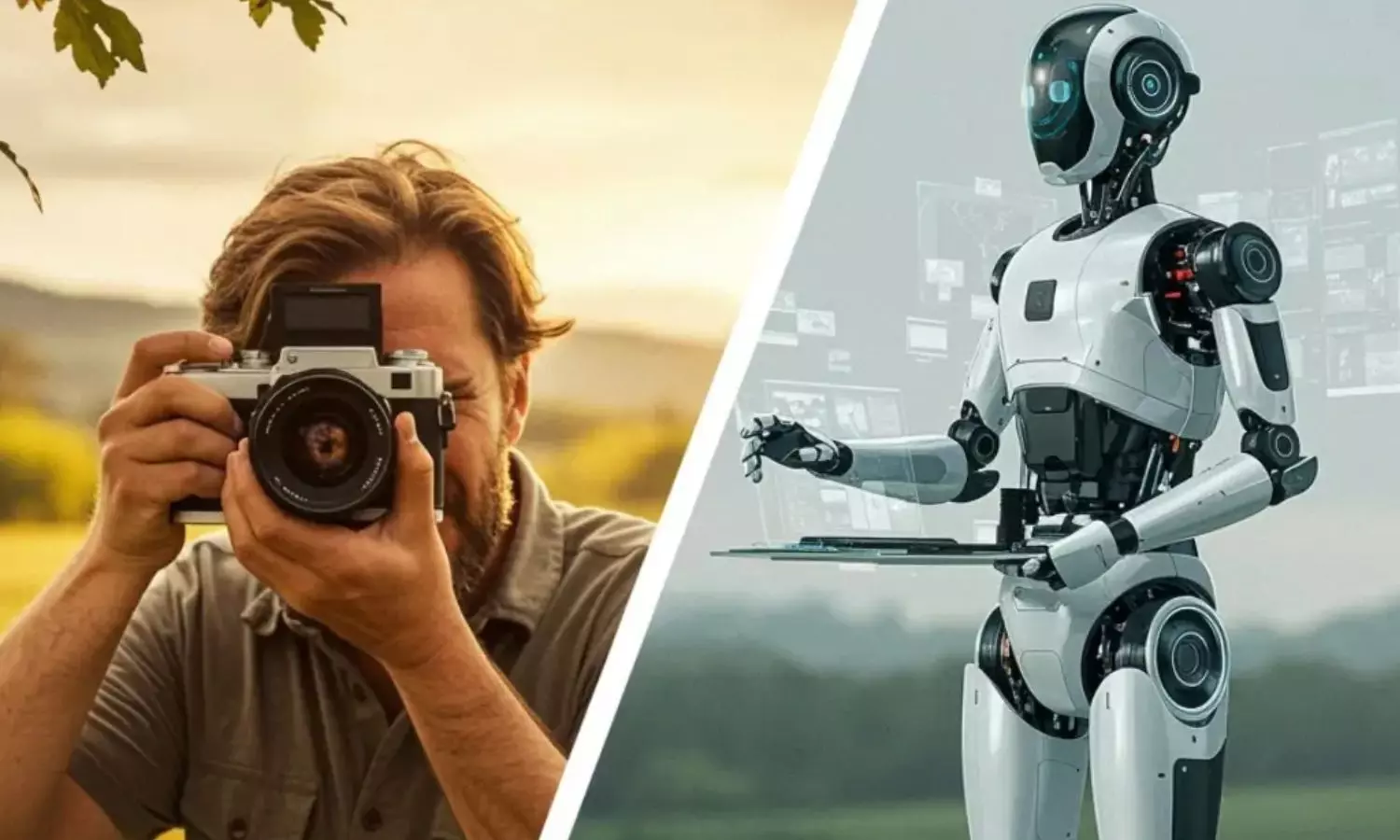
AI Helps Anyone to be a Professional Photographer
In the modern world, you need not rely much on a professional photographer. If you have basic knowledge as to how to click photos on your phone and use simple AI like ChatGPT, you can easily enhance, retouch, and transform your photos just like a professional photographer.
The users, with the help of ChatGPT, can easily edit their photos, and users can also improve lighting and remove unwanted objects or enhance portraits. If they do not like the background, they can very well change the background. With all these features one can easily have professional looking images with the help simple text prompts.
One can have more control through simple Prompts
The major advantage of text-based editing is that users can describe as what they wish without needing to understand advanced editing tools. They can also make numerous changes by offering follow-up instructions and refining the result.
As AI powered image editing develops, tools such as these could make professional-looking photo adjustments more accessible to a wider range of users.
If you wish to have a cinematic look and improve the background, you can use these promptsCinematic look
Prompt
“Give this photo a cinematic look with balanced contrast, natural skin tones and soft lighting. Keep the details realistic.”
Improve background
“ Make the background less distracting and lsightly blurred while keeping the main subject sharp and natural”
Remove unwanted object
Prompt
"Remove the unwanted object in the background and fill the area naturally so that the edit looks realistic."


