Apple Rolls Out iOS 26.1: Smarter, Smoother, and More Secure iPhone Experience

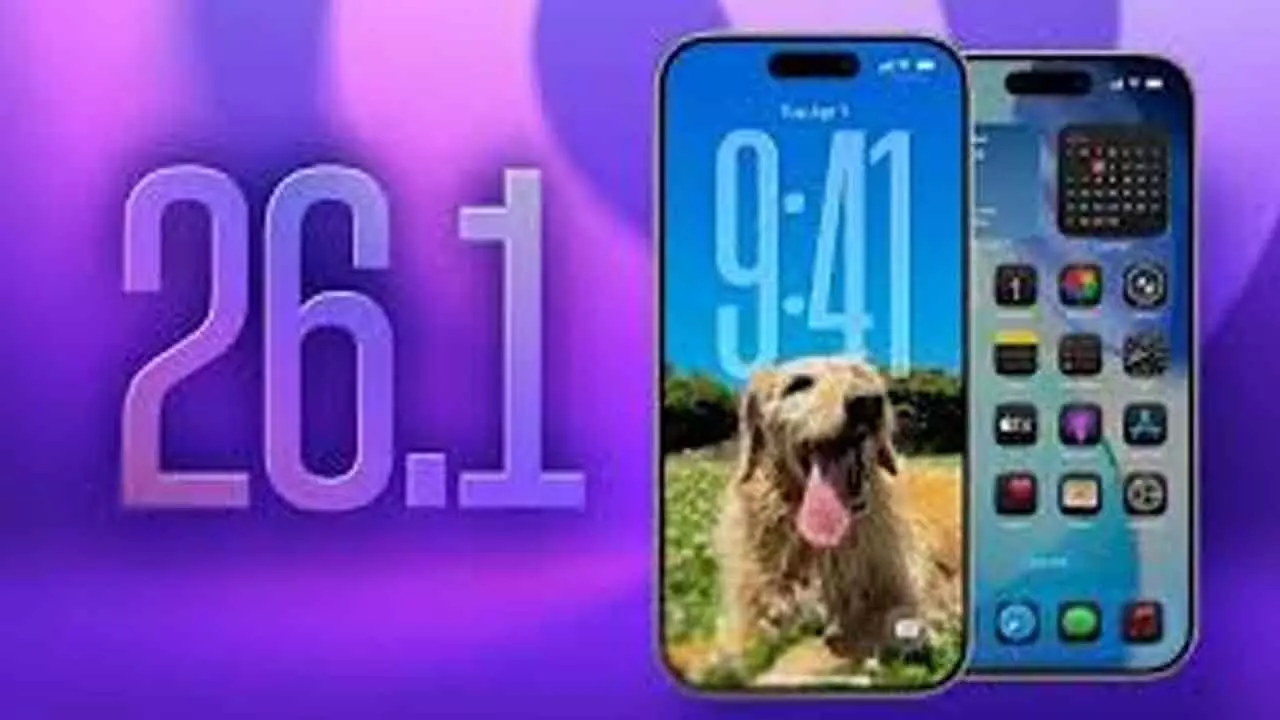
Apple’s iOS 26.1 update enhances customisation, expands Apple Intelligence languages, and introduces improved security, accessibility, and interface refinements for iPhones.
Apple has officially begun rolling out iOS 26.1, marking the first major update since the launch of iOS 26 in September. This version fine-tunes the iPhone experience with practical enhancements, visual refinements, and essential fixes that improve everyday usability.
At the heart of iOS 26.1 is a renewed focus on personalisation and performance. The standout addition is the Liquid Glass Transparency Toggle, a new feature under Display & Brightness settings that lets users customise how translucent the interface appears. iPhone owners can now choose between “Clear” and “Tinted” modes. The Tinted option slightly darkens elements like buttons and notifications, improving contrast and visibility — a thoughtful response to one of the most discussed complaints since iOS 26 launched.
Another long-awaited change is the ability to disable the Lock Screen camera gesture. For years, accidental camera activations have frustrated users, especially when phones were in pockets or bags. With iOS 26.1, Apple finally allows users to turn off the left-swipe gesture from the Lock Screen — without disabling the camera completely.
The Phone app also gains subtle but meaningful customisation. Users can now disable haptic feedback during call connections or endings, perfect for those who found the vibrations distracting. Additionally, Alarms and Timers now feature a “Slide to Stop” gesture on the Lock Screen, reducing accidental dismissals and adding a sense of intentionality to interactions.
Apple Intelligence, Apple’s on-device AI, has broadened its linguistic capabilities, now supporting Danish, Dutch, Turkish, and Vietnamese. Likewise, AirPods Live Translation expands to include Japanese, Korean, and Chinese, bringing real-time conversation translation to a wider audience using AirPods Pro 2, Pro 3, and AirPods 4.
For music enthusiasts, Apple Music now includes gesture-based shortcuts, allowing users to swipe across song titles to skip tracks. The AutoMix feature also works over AirPlay, providing smoother transitions between songs on compatible speakers.
Visually, iOS 26.1 polishes several system apps. The Settings app and Home Screen folders now use left-aligned headers, giving a cleaner look. The Phone keypad adopts the Liquid Glass style, while the Photos app benefits from a refined video slider and reorganised editing tools. In Safari, a slightly wider tab bar creates a more compact and efficient browsing layout.
Security takes a front seat in this update. A new automatic background security update system replaces the Rapid Security Response, allowing users to receive critical patches seamlessly without full system updates.
Fitness enthusiasts gain flexibility through fully customisable workouts, where users can manually set workout type, calories, and duration. Accessibility improvements include a “Display Borders” feature that outlines buttons for better visibility, replacing the old “Button Shapes” option.
For professionals, iOS 26.1 enhances recording controls, enabling users to choose storage locations for call recordings and adjust input gain for external microphones. FaceTime also benefits from improved audio quality under weak network conditions.
Meanwhile, iPadOS 26.1 reintroduces the Slide Over multitasking feature and adds a Vision Pro app, integrating iPads more closely with Apple’s growing spatial computing ecosystem.
The iOS 26.1 update is available now for all devices compatible with iOS 26 — including iPhone 11 and newer, and iPhone SE (2nd generation). Users can install it by navigating to Settings > General > Software Update.