iOS 26 Introduces ‘Keep Audio with Headphones’ to Stop AirPods from Switching to Car Speakers

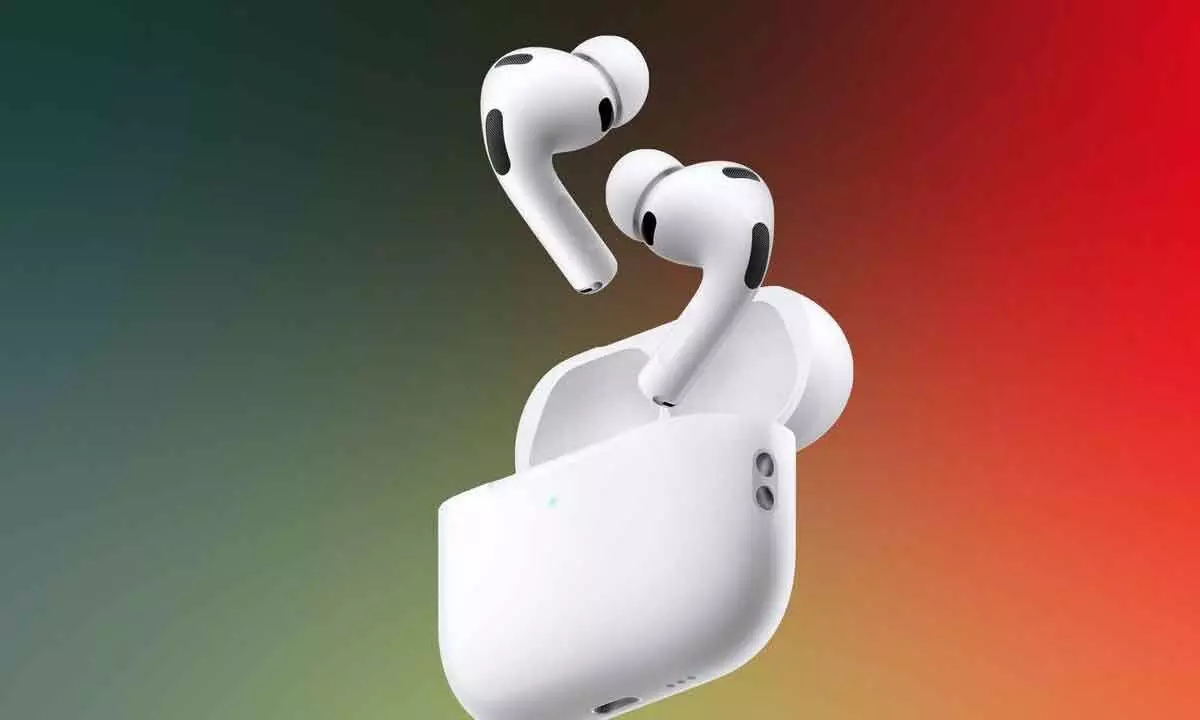
Apple’s new iOS 26 feature ensures uninterrupted AirPods playback by preventing automatic audio switching to car or other Bluetooth speakers.
Apple has rolled out a thoughtful update with iOS 26, introducing a feature many AirPods users have long been waiting for. The new “Keep Audio with Headphones” option ensures your iPhone doesn’t automatically switch from your AirPods to your car’s speakers the moment you start your vehicle — a small but significant improvement for seamless listening experiences.
For years, iPhone users have faced the minor frustration of their music, podcast, or call audio abruptly moving from their AirPods to car speakers as soon as their vehicle’s Bluetooth connection was detected. With iOS 26, Apple has finally addressed this issue, making sure your chosen audio stays exactly where you want it.
The new feature can be found in the Settings app under General → AirPlay & Continuity. Once enabled, it ensures your iPhone maintains the audio connection with your headphones — even if your car or another Bluetooth device tries to take over. This means you can enjoy uninterrupted music or conversations without constantly toggling between audio sources.
Apple notes that this capability isn’t limited to AirPods alone. The “Keep Audio with Headphones” setting works across all Bluetooth headphones connected to your iPhone, offering a consistent experience no matter which brand you use. It also appears to extend beyond Apple CarPlay, functioning even with standard Bluetooth pairings, making it a universal fix for one of the most common connectivity annoyances.
For users who still prefer their car’s audio system, Apple has made it easy to switch manually. You can quickly redirect sound output to your car speakers using the Control Centre on your iPhone. This gives users full flexibility — enjoy private listening with AirPods or switch to the car’s sound system when desired.
However, it’s important to note that enabling this feature impacts all Bluetooth connections, not just car systems. When “Keep Audio with Headphones” is active, your iPhone will stay connected to your AirPods or Bluetooth headset and won’t automatically switch to any other paired device, such as home speakers or smart audio systems.
For most users, though, this change will be a welcome one. Whether you’re listening to music, taking a work call, or catching up on a podcast, iOS 26 ensures your audio experience remains smooth and uninterrupted.
The Keep Audio with Headphones feature is available for all iPhones compatible with iOS 26. If you’re unsure whether your device supports Apple’s latest operating system, you can check the official compatibility list on Apple’s website.
With this update, Apple once again demonstrates its attention to user experience by solving a subtle yet persistent frustration for millions of AirPods and Bluetooth headphone users worldwide. The new feature promises a more intuitive and reliable way to stay connected — wherever you are and whatever you’re listening to.