Samsung Galaxy S26 Enables Seamless File Sharing With Apple Devices via Quick Share

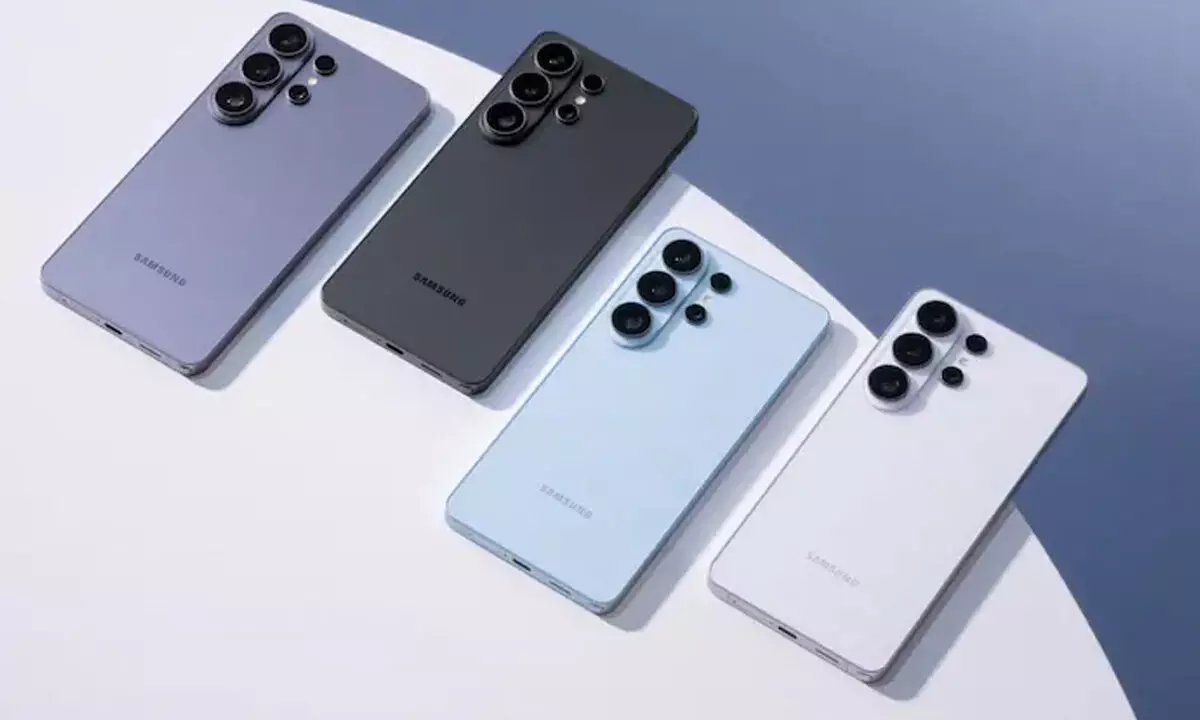
Samsung’s Galaxy S26 now supports native Android–Apple wireless file transfers, enabling direct, app-free sharing between Galaxy and iPhone users.
In a major step toward cross-platform convenience, Samsung has announced that its new Galaxy S26 series will support interoperability between Android’s Quick Share and Apple AirDrop. The move allows Galaxy users to wirelessly share files with Apple devices—including iPhones, iPads, and Macs—without installing third-party apps.
The rollout begins March 23 in South Korea and will gradually expand to additional markets. Samsung confirmed that Europe, Hong Kong, Japan, Latin America, North America, Southeast Asia, and Taiwan are next in line, though timing may differ by region.
How the feature works
With this update, supported Android phones can exchange files with Apple devices much like AirDrop functions within Apple’s own ecosystem. Transfers happen directly between devices, with no internet connection required.
Google, which earlier introduced similar functionality, clarified the privacy aspect of the system:
“This feature does not use a workaround; the connection is direct and peer-to-peer, meaning your data is never routed through a server, shared content is never logged, and no extra data is shared.”
The technology uses Bluetooth to discover nearby devices and Wi-Fi for fast peer-to-peer transfers.
Setup requirements
To send files from Android to Apple devices, Apple users must temporarily change their AirDrop visibility to “Everyone for 10 minutes.” On the Android side, users open Quick Share, select the nearby Apple device, and send the file. The recipient must manually approve the transfer.
A report by 9To5Google noted one key difference between Samsung and Pixel devices. On Samsung phones, the feature is disabled by default. Galaxy users must enable a setting labeled “Share with Apple devices” within Quick Share. The same visibility requirement applies when receiving files from Apple hardware.
Step-by-step sharing guide
Android → Apple
- Update Quick Share via the Play Store or latest system update
- On iPhone/iPad/Mac: Settings → AirDrop → “Everyone for 10 Minutes”
- Select file on Android → Tap Share → Choose Quick Share
- Pick the nearby Apple device
- Apple user taps Accept
Apple → Android
- Android: Settings → Quick Share → “Everyone for 10 Minutes”
- Select file on Apple device → Tap Share → Choose AirDrop
- Select Android phone
- Android user taps Accept
Android brands adopting AirDrop interoperability
Google was first to introduce the capability on Pixel 10 devices, later expanding it to the Pixel 9 lineup. With this update, Samsung becomes the second Android manufacturer to officially support native AirDrop-style sharing.
Other brands are preparing to follow. UK-based Nothing confirmed it is working on enabling the feature. Chipmaker Qualcomm said Snapdragon-powered Android phones will soon support the cross-platform standard. Meanwhile, OPPO announced that its flagship Find X9 lineup will receive the feature later this month.
A meaningful shift for users
For years, seamless wireless sharing has been divided by ecosystem boundaries. Samsung’s adoption of AirDrop interoperability signals a broader industry push toward user-first connectivity—making device choice less restrictive and everyday sharing far simpler.