EPFO UAN Allotment Now Only via Aadhaar Face Authentication on UMANG App

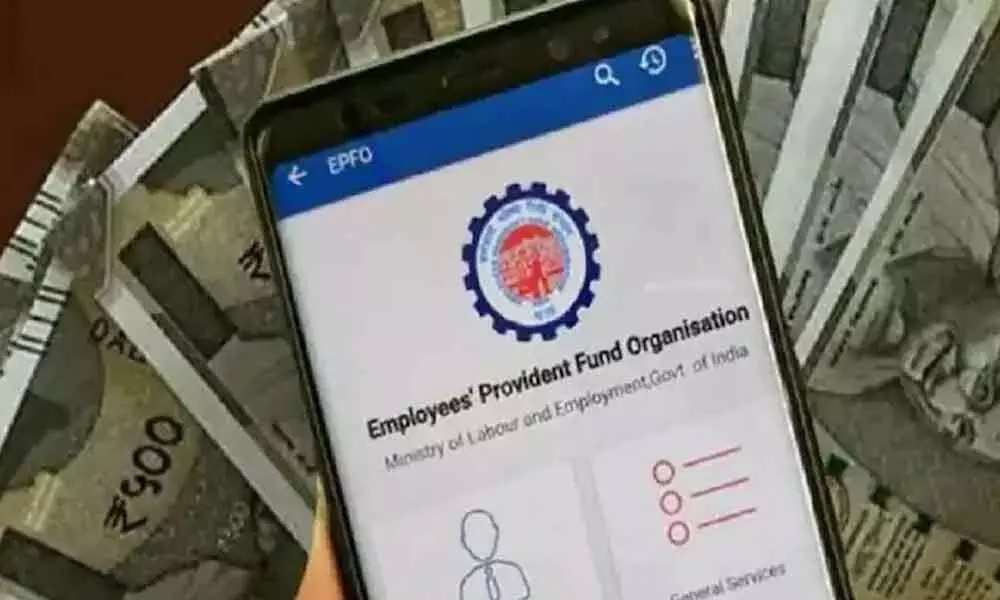
Employees' Provident Fund Organization (EPFO)
EPFO has made Aadhaar-based face authentication on the UMANG app mandatory for UAN allotment from August 1, 2025. Know the steps, required apps, and how to activate your UAN using your mobile.
Starting August 1, 2025, the Employees’ Provident Fund Organisation (EPFO) has made it mandatory to use Face Authentication via Aadhaar to generate a Universal Account Number (UAN). This new rule applies to most users and must be done through the UMANG App.
What Changed?
- From now on, UAN will only be given using Aadhaar-based Face Authentication.
- This change makes the process faster, more secure, and fully online.
- It removes the need to ask your employer to generate UAN.
Who is Exempt?
- International workers
- Citizens of Nepal and Bhutan
- These groups can still get their UANs through their employer.
What You Need
To use the new system, you must have:
- A valid Aadhaar number
- A mobile number linked to Aadhaar
- The UMANG App and Aadhaar Face RD App
Available Services on UMANG
As per EPFO's circular (dated July 30, 2025), these services are now available:
- UAN Allotment and Activation
- UAN Activation for Existing Users
- Face Authentication for Existing UANs
How to Get Your UAN (Step-by-Step)
- Open UMANG App
- Tap "UAN Allotment and Activation"
- Enter Aadhaar number and mobile number
- Tick the box to give consent → Tap Send OTP
- Enter the OTP received on your phone
- Tap on Face Authentication → Allow the scan via Aadhaar Face RD App
- Your UAN will be generated and sent by SMS
Why This Is Good
- Easy and secure UAN creation
- No employer needed
- Real-time Aadhaar verification
- After UAN is active, you can:
- View your EPF passbook
- Submit claims
- Update KYC
- Download e-UAN card
Next Story