AI-Generated Banana Saree Trend Sweeps Instagram: How to Try It with Google Gemini Nano

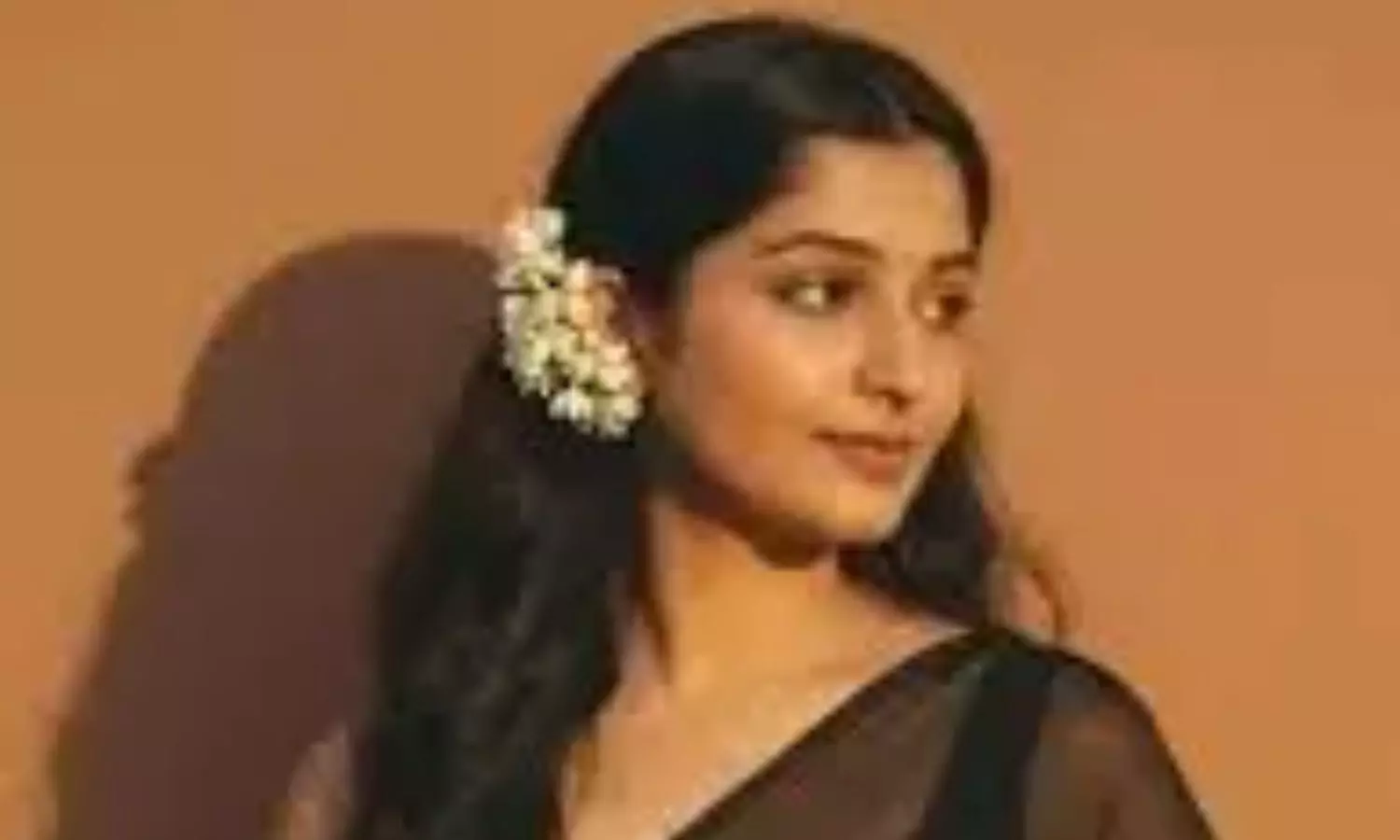
Google Gemini Nano Banana AI Saree Trend: 4 Common Mistakes to Skip for the Perfect Bollywood Look
If you’ve been on Instagram in the past week or so, chances are you’ve seen how regular selfies are being transformed into high-contrast 90s-style Bollywood posters.
The latest viral phenomenon on Instagram is the Banana AI Saree trend. With the help of Google Gemini Nano Banana and some handy ChatGPT prompts, users are recreating old Bollywood looks in chiffon sarees, polka dots, and pastel florals to give them a makeover — and an explosion of nostalgia.
The Gemini Nano AI trend is the latest to sweep social media after last week’s frenzy of the Nano AI Saree trend Instagram. The recent fad also made use of Gemini Nano fashion generator Image tool to make users’ photos turn into caricature-like mini figurines. But where quirky 3D figurines were in demand last week, the tables have turned to Banana AI saree edits this week. Instagram feeds are now full of sari-edited portraits in chiffon sarees swaying in the wind, grainy and distorted textures, and golden-hour lighting. Among the most viral Instagram viral AI saree trend are translucent polka-dot sarees, dramatic black party wear, and soft floral vintage sarees — all iconic styles of 90s Bollywood films.
What is the Gemini Nano Banana AI Saree Trend?
Google Gemini AI fashion is helping users convert one simple solo photo into a grainy, retro Bollywood movie-style poster, complete with high contrast, dramatic shadows, vintage moods, and scenic backdrops.
How to create AI saree trend Edit Yourself
Here’s how you can make your own Banana AI Saree Edit:
- Go to Gemini or ChatGPT and sign into your Google account.
- If using Gemini, tap “Try Image Editing” on the left panel and click on the Banana icon.
- Upload a solo clear photo of yourself, making sure your face is visible and in frame.
- Copy and paste the prompt you like from the list below and hit send.
- Wait for the AI to convert the image — in a few seconds, you’ll get a stunning 90s saree portrait.
- AI Saree Edit Prompts to Copy-Paste
Woman injured in stabbing attack in Tokyo, suspect at large
Bengal cop booked for murder over mysterious death of woman home guard, SIT to probe case
Staffer recalls horror of 7-kg gold robbery by armed gang in Karnataka’s Hunsur
25-Year-Old Airline Cabin Crew Member Dies At Gurugram Party; Police Begin Investigation