Google Expands Gemini Task Automation to Pixel 10 Series After Galaxy S26 Debut

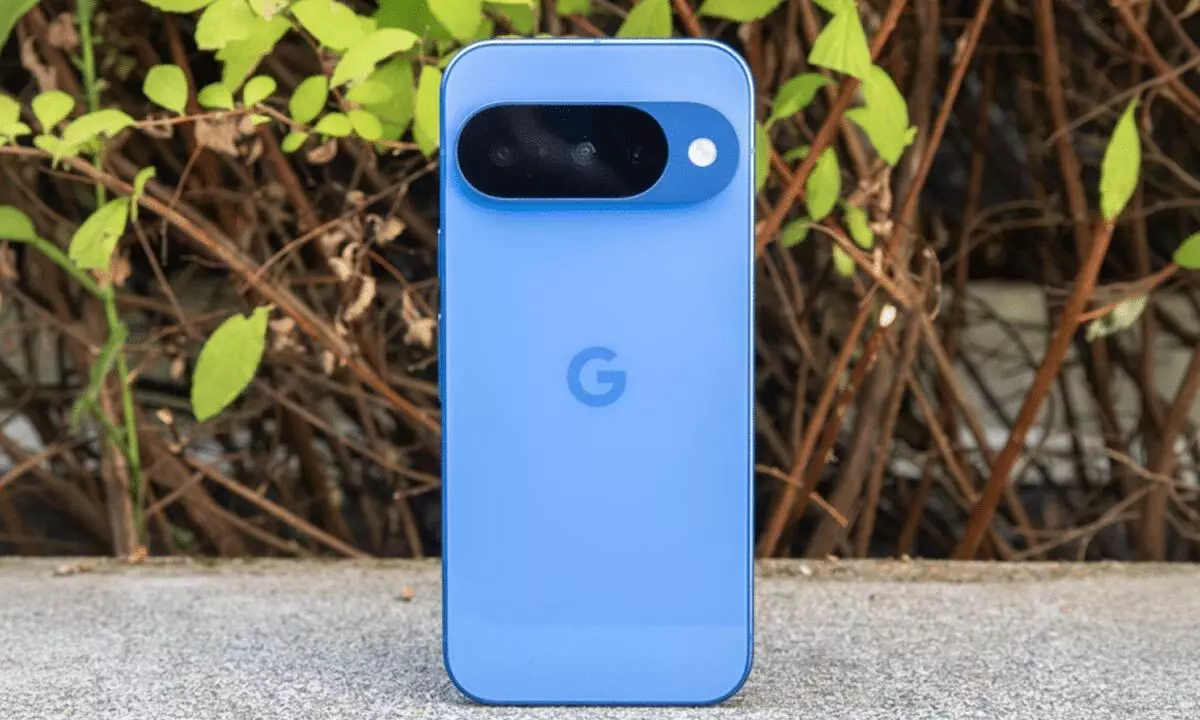
Google brings Gemini task automation to Pixel 10 devices, enabling seamless in-app actions like food orders and ride bookings.
Google is expanding its AI assistant capabilities by rolling out Gemini task automation to its latest Pixel smartphones, following the feature’s recent debut on Samsung’s flagship devices. The update is part of the March 2026 Pixel Feature Drop and introduces smarter, hands-free app interactions for Pixel users.
According to a report by 9to5Google, the new capability—also referred to as Gemini screen automation—is now reaching the Google Pixel 10 lineup, including Google Pixel 10 Pro and Google Pixel 10 Pro XL. The feature was first introduced last month with the Samsung Galaxy S26 series and is now making its way to Google’s own ecosystem.
What Gemini task automation brings
Gemini task automation is designed to reduce the friction of everyday smartphone use. Instead of manually navigating apps and completing steps, users can simply tell Gemini what they want done. The assistant then launches the relevant app in the background and performs the required actions automatically.
For instance, users can ask Gemini to order food or arrange a ride. The assistant can input pickup and drop locations, browse restaurant menus, select items, and add them to the cart—without users needing to tap through each screen. Since the process runs in the background, people can continue chatting, browsing, or using other apps while the task is underway.
Google has added visibility and control features to ensure users remain in charge. Real-time notifications show the task’s progress, and users can intervene whenever necessary. The assistant deliberately avoids completing transactions independently. It pauses at the final step so users can verify the details before confirming a purchase or booking.
Users are provided with clear options such as “View progress” and “Stop task,” allowing them to monitor or cancel the automation easily. The system operates within a secure virtual window on the device, while most of the processing workload is handled through the cloud.
Supported apps (for now)
At launch, Gemini task automation works with a limited but practical set of apps, primarily in food delivery and ride-hailing. These include Uber, Lyft, Uber Eats, Grubhub, DoorDash, and Starbucks. Wider app support is expected over time as Google refines the system.
Usage limits and availability
Like other Gemini-powered tools, task automation comes with daily usage caps based on subscription tier. Free users can make up to five requests per day. Paid plans raise the ceiling—12 for AI Plus, 20 for AI Pro, and up to 120 for AI Ultra subscribers.
Once the feature becomes available, users can enable it by opening the Gemini app settings and turning on “Screen automation.”
The rollout currently covers Pixel 10 devices running Android 16 QPR3 in the United States. The setting has also appeared on the Google Pixel 10 Pro Fold, though reports suggest it may not yet be fully listed for all users.
With this move, Google continues pushing deeper AI integration into everyday mobile experiences, aiming to make smartphones more proactive and less hands-on.