Top 5 Photo to Art Converters You Need to Try in 2025

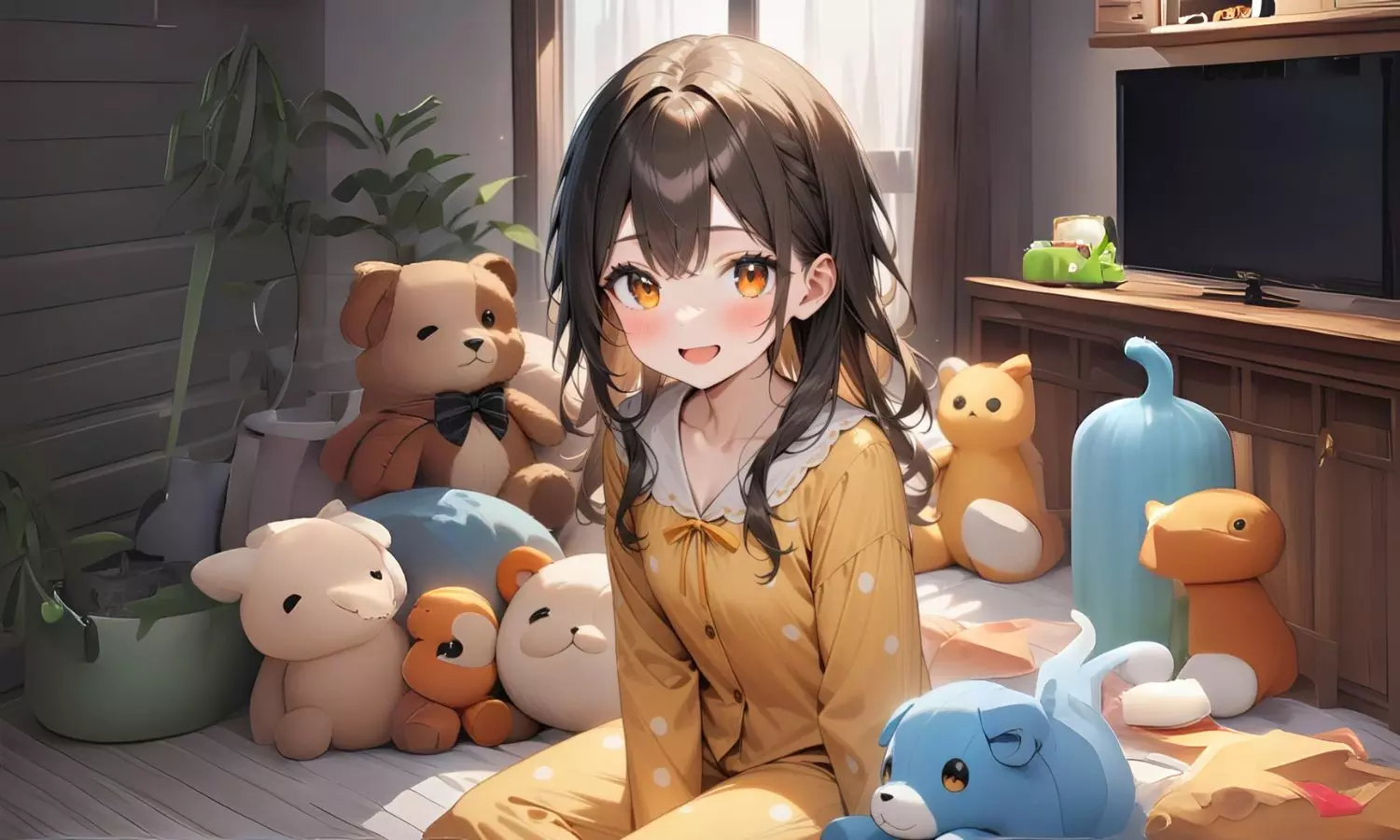
Top 5 Photo to Art Converters You Need to Try in 2025
Explore the top 5 photo-to-art generator recommendations for everyone and a beginner-friendly guide to convert basic photos to masterpieces easily.
Thanks to the evolution of AI user-friendly tools, now anyone can turn their basic picture into an eye-catching visual effortlessly. However, among countless options available, choosing the right one can be tricky for users. In this article, we will suggest the best 5 photo-to-art tools one should choose while creating art.
Part 1. Transform Your Photos into Art in 2025: Discover the Top AI Tools
Part 2. Behind the Reviews: The Method We Used to Test Photo Art Converters
Part 3. The 5 Best Tools to Create Artistic Masterpieces from Photos
Part 4. Beginner’s Guide: Instantly Transform Pictures into Artwork
Part 5. Final Thoughts: Best 2025 Apps for Converting Photos into Art
Part 1. Transform Your Photos into Art in 2025: Discover the Top AI Tools
As mentioned, there are numerous tools available to convert a photo into art using advanced technology. However, we cannot consider anything, as most of them may have low-quality output or a complex interface, mainly for amateurs.
Thus, considering these limitations, experts have narrowed down some user-friendly tools like Spellai and Adobe Photoshop. Each one is rigorously tested to ensure you can turn a picture into art in just minutes with guaranteed professional-grade outcomes.
Part 2. Behind the Reviews: The Method We Used to Test Photo Art Converters
For your ease, 10 tools were evaluated on the basis of output quality and speed to turn a photo into art while spending 50+ hours on real-world scenarios. Thus, all the possible metrics that determine the worth of these tools are given below:
1. Output Quality: Focusing 40% on output quality, it was tested to see how polished, creative, and style-accurate the final artwork looked.
2. Pricing/Cost Effectiveness: Assigning 20% to cost-effectiveness, the tools were evaluated on the basis of pricing tiers, free vs. paid features, and how much value you really get.
3. Ease of Use: The tools are attested by their intuitive interface, minimal learning curve, and smooth workflow by prioritizing 30% user-friendliness.
4. Speed of Conversion: Experts also examined how fast each tool handled uploads, processing effects, and delivering downloadable art.
5. Additional Features: Weighing 10% towards additional features, it was determined by how well these tools offered bonus capabilities like AI style variations, batch processing, or format flexibility.
Each tool was tested while bearing beginner challenges in mind, like low-tech skills, small budgets, and mobile use, to make sure they can create great art easily.
Part 3. The 5 Best Tools to Create Artistic Masterpieces from Photos
By using the metrics mentioned above, below we have narrowed down 5 of the Best tools with detailed descriptions to change a photo into art:
1. Spellai
Among all AI photo converters available, Spellai provides a beginner-friendly interface for professionals as well as beginners. “Genius” Mode is mainly designed for beginners, as this tool allows you to choose different built-in artworks from its drop-down menu. Users can add a reference picture along with the text prompt to make the outcome more specific. Additionally, one can also choose the required “Canvas Ratio” and the number of outcomes they want to generate.
Image name: photo-to-art-2.jpg
Image alt: access spellai art tool
This tool lets you add a negative prompt in the "Advance" section to specify things they don’t want in their artwork. You can also use the "Surprise Me" option through the tool to write a prompt and can access the old prompts from "History" to reuse them later.
Pros
- It lets you add your “Face ID” along with a prompt to make the outcome more accurate.
- Using its Easy Model, users can choose numerous art styles, such as "Digital Art" and "Anime."
Con
- Users have to buy their premium plan to generate artwork if they run out of free coins.
User Rating: 4.9/5
2. Adobe Firefly
Designed for professionals, this pics-to-art tool allows you to add a text prompt along with the desired aspect ratio. Users can also choose the desired Composition and Art Styles for their artwork. Additionally, this tool lets you select lighting options like "Harsh Light" and "Golden Hour."
Image name: photo-to-art-3.jpg
Image alt: use adobe photoshop generate ai art
Pros
- One can even choose a specific camera angle for their artwork.
- Its Color and Tone menu allows users to select colors for their pictures.
Cons
- In some countries, users cannot access the premium package for its advanced features.
- It only generates 1 output at a time, which limits this tool.
User Rating: 4.5/5
3. Canva
To turn photographs into abstract art, you just have to upload a photo and then generate it. Users can regenerate the outcome before saving if it is not satisfactory. Moreover, this tool also offers various editing options, such as adjusting the white balance and choosing multiple filters.
Image name: photo-to-art-4.jpg
Image alt: canva creates ai art images
Pros
- This tool lets you choose the desired colors and textures of the generated artwork.
- Using its Magic Expand, users can expand their outcome without ruining quality.
Cons
- To resize photos, you have to buy the Pro package.
- This tool doesn't offer a customized Canvas Ratio for your artwork.
User Rating: 4.1/5
4. Picsart
This image-to-art converter online tool transforms a basic picture into a professional one by adjusting the light and colors. While converting your artwork, if the background isn't worthy, you can remove it using the "Background Remover" tool. Moreover, one can enhance its quality by using its "Quality Boost" feature.
Image name: photo-to-art-5.jpg
Image alt: image to art picsart online tool
Pros
- This tool allows you to resize your picture on any social media platform.
- It offers numerous built-in effects such as "Simple, FX, and B&W."
Cons
- To remove unwanted backgrounds, users have to buy the " Pro plan."
- Users can only export PNG and PDF files with the free version.
User Rating: 4.3/5
5. Recraft
By inserting the reference image, you can change a picture into art by using its advanced features, like adjusting colors and pellets. While converting, users can adjust their aspect ratio according to the desired social media platform. Additionally, you can enhance your outcome using its upscale tool.
Image name: photo-to-art-6.jpg
Image alt: choose recraft generate image to art
Pros
- This tool lets you add a negative prompt to get a more accurate result.
- Using its “Edit Area” tool, users can edit a specific area of artwork.
Cons
- Users can only generate 3 uploads per day with the free version.
- To access Priority Image Generation, you have to buy its Pro plan.
User Rating: 4.7/5
Part 4. Beginner’s Guide: Instantly Transform Pictures into Artwork
Among the mentioned top AI art generators, Spellai, being the best tool, allows you to convert a photo into art seamlessly through the given steps:
Step 1. Tap on Genius Mode & Select the Required Model
Access the platform and settle on “Genius Mode” from the drop-down menu at the top. Now, press the “+” icon for “Easy Models” to choose an “Futuristic” filter from the options given in "Theme".
Image name: photo-to-art-7.jpg
Image alt: choose genius model and required model
Step 2. Enter Text Prompt Along With Other Settings
After selecting models, write the vision in the “Text Prompt” bar and then hit the “Reference” button to add a reference photo.
Image name: photo-to-art-8.jpg
Image alt: enter prompt and add reference image
Step 3. Export the Generated Artwork to the Device
Choose the desired “Advanced” tools to enhance the generated outcome further and hit the “Create” button to make changes.
Image name: photo-to-art-9.jpg
Image alt: export generated ai art image
Part 5. Final Thoughts: Best 2025 Apps for Converting Photos into Art
Concluding this, we have introduced you to the 5 best pic-to-art tools for professionals as well as beginners. Among these tools, we recommend using Spellai, which is a beginner-friendly tool due to its features like adding a Reference Photo and Face ID.