Create Magic With Nano Banana: AI Image & Photo Editing in Gemini App

Create Magic With Nano Banana: AI Image & Photo Editing in Gemini App
Discover Nano Banana in the Gemini app! Turn pets into video game characters, create 3D models, blend photos, and transform images like a pro. Fun AI image editing for everyone.
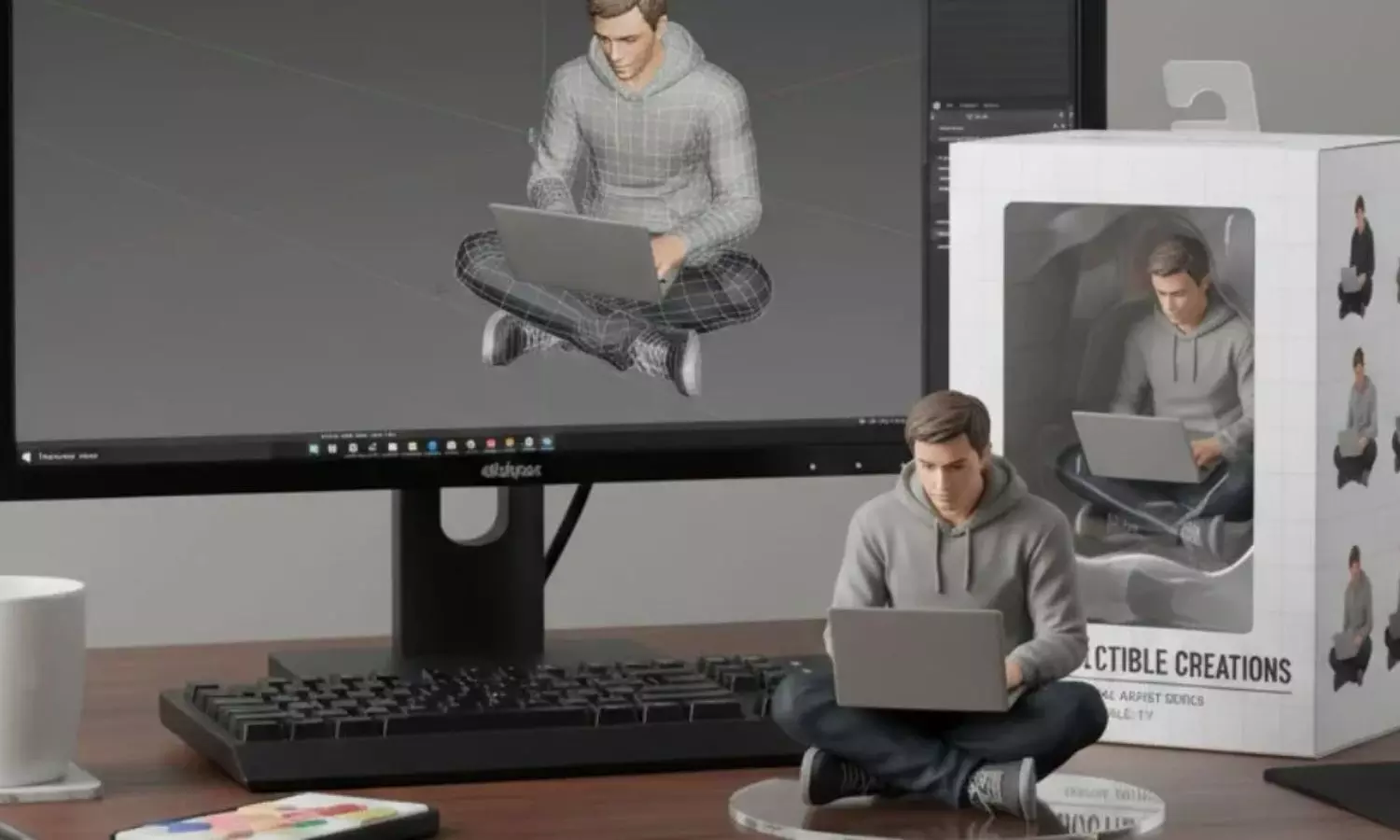
Nano Banana is a new image generation and editing model in the Google Gemini app. It lets you create and change images in many fun ways.
What Can You Do With It?
- Turn your pet into a tiny figurine or a video game character.
- Have a tea party with a younger version of yourself.
- Blend multiple photos together.
- Keep a person or pet the same across edits.
- Change part of an image while keeping the rest the same.
- Copy the style of one object onto another.
Can You See Examples?
- Video Game Cat: Turn a photo of a cat into a 16-bit video game character in a platformer level.
- Tea Party With Yourself: Make a photo where your adult self sits with a child version of yourself.
- Fantasy Map: Transform a photo of an island into a 3D map for a fantasy game, including a village and harbor.
- Pencil Drawing: Change a photo of an Android bot into a pencil sketch.
- Dessert Creation: Turn baking ingredients into a plated dessert like in a 5-star restaurant.
- Fantasy Scissors: Convert scissors into a realistic fantasy character for an elf movie.
- 3D Dog Model: Make a small 3D model of a dog on a desk as if it’s a gift.
- Superhero Comic: Turn two cartoon women characters into a 9-part comic story with no text.
- Tennis Dress: Change a woman’s dress into one made from tennis balls.
- Tropical House: Transform a white house into a tropical design with thatched roof, bamboo, and colorful plants.
How Can You Try It?
You can use this updated image editing tool in the Gemini app right now.
Next Story