Google Expands AI Photo Editing Feature Beyond Pixel Phones to More Android Devices

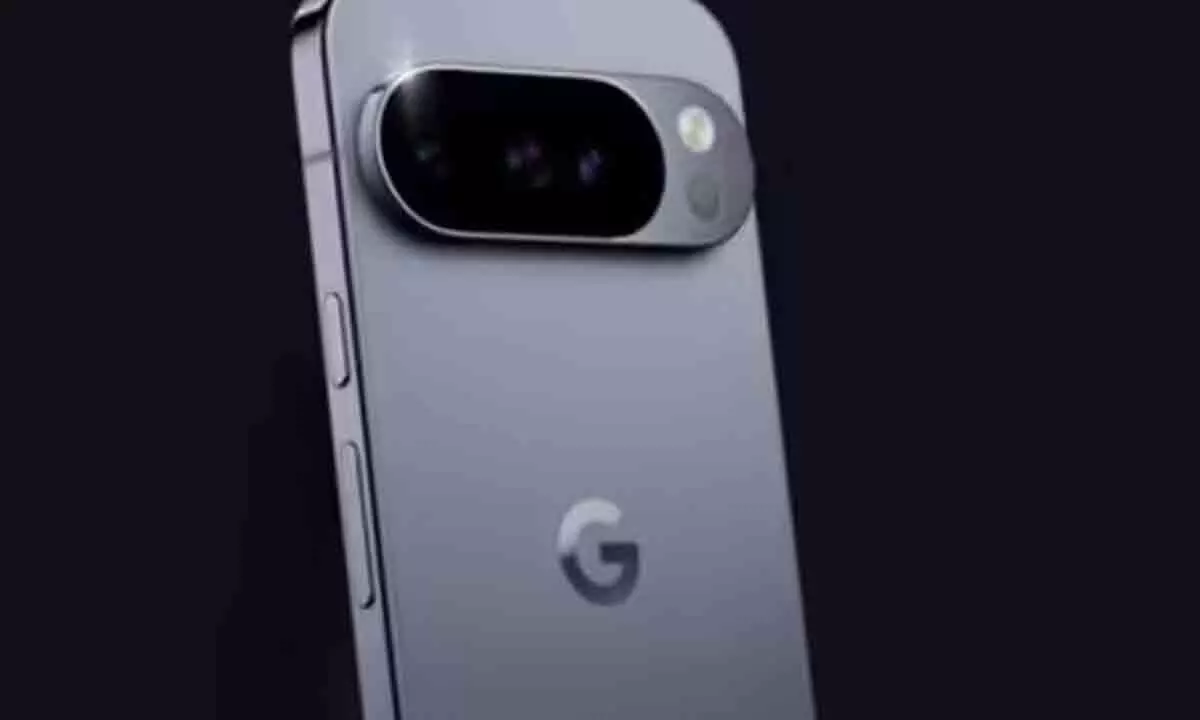
Google has expanded its Gemini AI-powered photo editing tool in Google Photos to more Android phones, simplifying edits with natural commands.
Google is extending one of its most advanced photo editing tools to a wider audience. After initially debuting on the Pixel 10 series, the company has now rolled out its Gemini AI-powered photo editing feature to more Android smartphones in the United States. This upgrade brings powerful, conversational photo editing capabilities directly into the hands of millions of users, making it easier than ever to enhance images without prior editing expertise.
The new tool, accessible within the Google Photos app, lets users apply edits using natural language prompts. By tapping the “Help me edit” option under the Edit menu, users can simply type or speak their requests. Commands such as “Enhance the brightness” or “Remove the background clutter” are interpreted by Gemini AI, which then delivers multiple polished results for users to choose from. Google also highlights transparency by marking the edits that were specifically generated with AI.
Breaking Away from Traditional Photo Editing
Until now, editing photos often required navigating through a maze of sliders, filters, and manual adjustments. For many, this process felt overwhelming, especially without design or editing experience. Google’s conversational editing model eliminates that barrier. Instead of learning tools or understanding how adjustments interact, users can describe what they want, and Gemini AI takes care of the rest.
The feature is designed to make professional-quality edits possible for everyone. As Google explains, the approach “not only streamlines the editing process but also empowers users without advanced editing skills to achieve professional-looking results.” This democratization of photo editing reflects the company’s broader mission of integrating AI into everyday digital tasks.
How It Works in Practice
Using the feature is straightforward. Users open the photo they want to edit in the Google Photos app, tap on Edit, and select Help me edit. They can then issue commands through text or voice, after which Gemini AI applies the requested modifications. Instead of committing to a single change, the app presents several variations, allowing users to choose the edit that best matches their preferences.
Google has also emphasized the importance of clarity and accountability in AI tools. That’s why the app clearly indicates when edits have been generated or assisted by Gemini AI, ensuring users know exactly how their photos were modified.
Availability and Requirements
The new AI editing feature is being released for Android users aged 18 and above in the US. To access it, a user’s Google account must be set to English, with Face Groups enabled and location estimates turned on. The update is supported on Google Photos version 7.42 and higher.
For now, the rollout is limited to US-based users, but Google has confirmed plans to expand availability to other regions soon. This phased release aligns with the company’s typical strategy of testing new AI tools in select markets before bringing them to a global audience.
A Step Toward AI-Driven Simplicity
The expansion of Gemini AI-powered editing to more Android devices underscores Google’s commitment to enhancing the user experience through artificial intelligence. By embedding these capabilities into Google Photos, the company is lowering barriers for casual users while offering convenience to professionals.
As AI continues to mature, tools like this will only become more intuitive and powerful, further reshaping how we interact with our digital memories. For now, the message is clear: editing your photos no longer requires technical skill—just a simple request.