Create Retro-Style Icons with the AI Logo Generator Settings

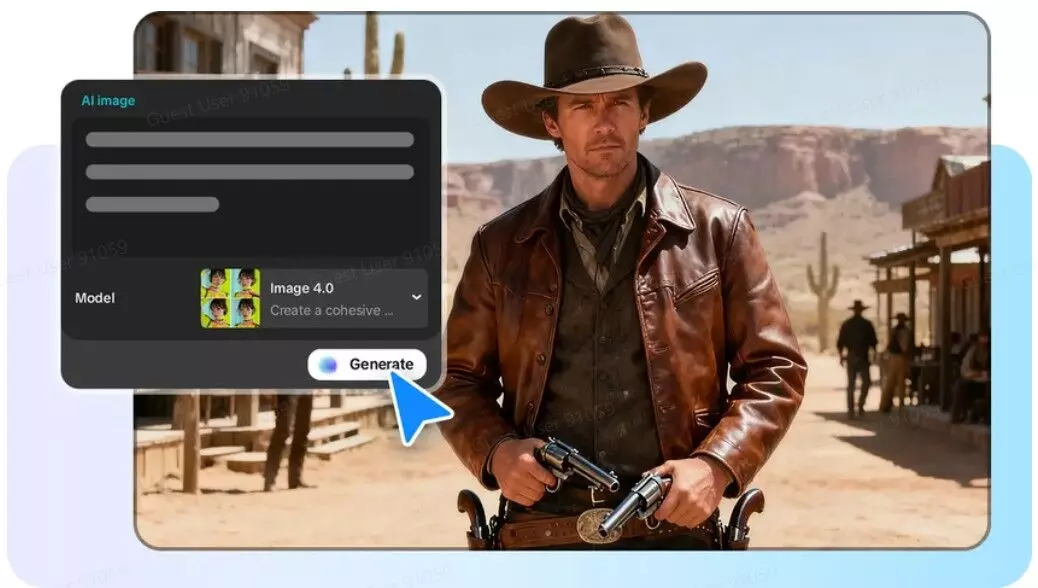
The retro design possesses an eternal appeal, which still affects the current visual tendencies. The vintage styles have the effect of nostalgia and can be used effectively in branding, user interfaces and digital art. The revival of mid-century, pixel-art, and analog aesthetics enables creators to make an emotional appeal to audiences. Platforms like CapCut provide the AI logo generator needed to bring these classic visuals to life with precision. Its interface allows designers to control colors, layouts and textures that resonate with the previous design eras. Knowledge of how settings can influence the end product makes retro elements still authentic and attractive in modern digital projects.
Vital Features of Retro-Style Iconography
Retro-style icons are anchored on visuals which instantly communicate nostalgia. Muted color palettes, pastels, and earth tones frequently feature in vintage color palettes and have been associated with older printing techniques. The grainy overlays and noisiness of the textures mimic the wear of analog media, and the outlines are bold enough to highlight the shapes in a manner similar to early signage or comic illustrations. Mid-century design tends to be more inclined towards geometric simplicity, whereas pixel-art icons emphasize low-resolution appeal and blockiness. The use of analog elements such as dials, buttons, or cassettes makes the sense of time more time-specific. The simplification of icon shapes and maintaining recognizability makes them functional to be used in digital applications. Retro icons are both interesting and easy to use by being detailed and clear at the same time.
CapCut applied to Retro Icon Art Direction
CapCut is an open workspace to create retro icons. It is also useful to establish grids and preselected color swatches to keep the themes of the vintage consistent. Borders, drop shadows, and alignment contribute to the authenticity of retro images. CapCut enables fine tuning of line thickness, shape proportion and color vibrancy, and makes icons have the old school appearance without becoming blurred on the modern screens. The platform allows layering where elements such as textures, typography, and overlays can interact with each other. Such a combination of control and creativity allows creating icons that feel nostalgic but not outdated or vague in the realities of modern digital practices.
Controlling Retro Outcomes with AI Logo Generator Settings
Precision at the moment of creating retro icons is of great importance. The descriptors such as vintage, grains, or mid-century help direct the AI to the desired style. Selecting the right model within the AI image generator influences the level of detail and texture the system applies. The icons can be fine-tuned to reflect the genuine retro aesthetics with fine-tuning parameters like grain intensity, color saturation, and geometric sharpness. By changing these settings, the shapes will be familiar, the tones will be softened and the stylized effects will not be too intense or too understated. The balance between retro and functional clarity that is needed in icons in digital projects is achieved with strategic use of these settings.
Steps to Create Retro-Style Icons with the AI logo generator Settings
Step 1: Configure Retro Design Parameters
Begin by opening the CapCut video and image editor. From the left vertical menu, choose "AI design". Enter a clear retro-focused prompt that includes subject matter, vintage style, and color palette. Select a model from the options beneath the input area. A reference image can further guide the retro styling direction.
Step 2: Generate and Retro-Tune the Icon
Click the "Send" tab to produce the initial retro-style icon. The AI processes the request and delivers a design instantly. Built-in features like AI upscaling, background replacement, and color adjustment help recreate authentic retro textures. You may also add decorative elements, text, or shapes to enhance the nostalgic feel and fine-tune the visual tone.
Step 3: Download the Retro Icon Output
When the icon looks ready, click the "Download" tab at the top-right corner. Through the filters icon, select the preferred file format, size, and quality. The completed icon can also be copied as PNG directly to the local device for easy distribution.
Vincentizing Vintage with CapCut Editing Tools
CapCut enables one to enhance retro effects with various tools. The overprinting of patterns or halftones can be used to mimic print flaws that are indicative of older posters. The chromatic aberration effects cause minor color mismatch, which adds to the authenticity. Adjusting the colour presets enables designers to match the old 70s, 80s, or 90s palettes. Layering of text and icons is used as a method to reproduce ancient signage or early software iconography, providing depth and three dimensionality. The use of various textures, gradients, and the level of transparency can provide an icon a handmade look. Such tools will guarantee the fact that retro designs will be not only aesthetically appealing but also easy to adapt to digital platforms.
Bringing Retro Icons to Digital Space
Retro icons should not be useless in diverse digital settings. Streamlining shapes make them easy to read on mobile devices, websites and social media. Having a visual uniformity of various icons enhances brand recognition. CapCut allows scaling and positioning modifications without losing detail or style. Exporting high-resolution files ensures that icons are clear in retina screens or print media. Clear backgrounds enable icons to blend well with varied visual backgrounds. Retro-style icons can be both nostalgic and practical by focusing on the usability and aesthetics in one, so that they can be loved by the current generation as well as preserve their traditional essence.
Conclusion
Retro design combines nostalgia and clarity of the modern era, providing unmatched opportunities to digital creators. Shapes, colors, and textures can be carefully controlled with the help of AI-driven tools combined with CapCut. Careful application of editing functions improves the authenticity without affecting usability. Consistency in sets of icons is achieved through guided design processes. The ability to experiment with various retro effects offers space to be creative and stylistic. Finally, retro icon design with the aid of AI makes it possible to create striking images that can be used to pay tribute to the aesthetics of the past and succeed in the world of digital technologies. These tools enable designers to create unified, unforgettable, and attractive retro icon sets.