Windows 11 Tests New Copilot Taskbar Button for Screen Sharing

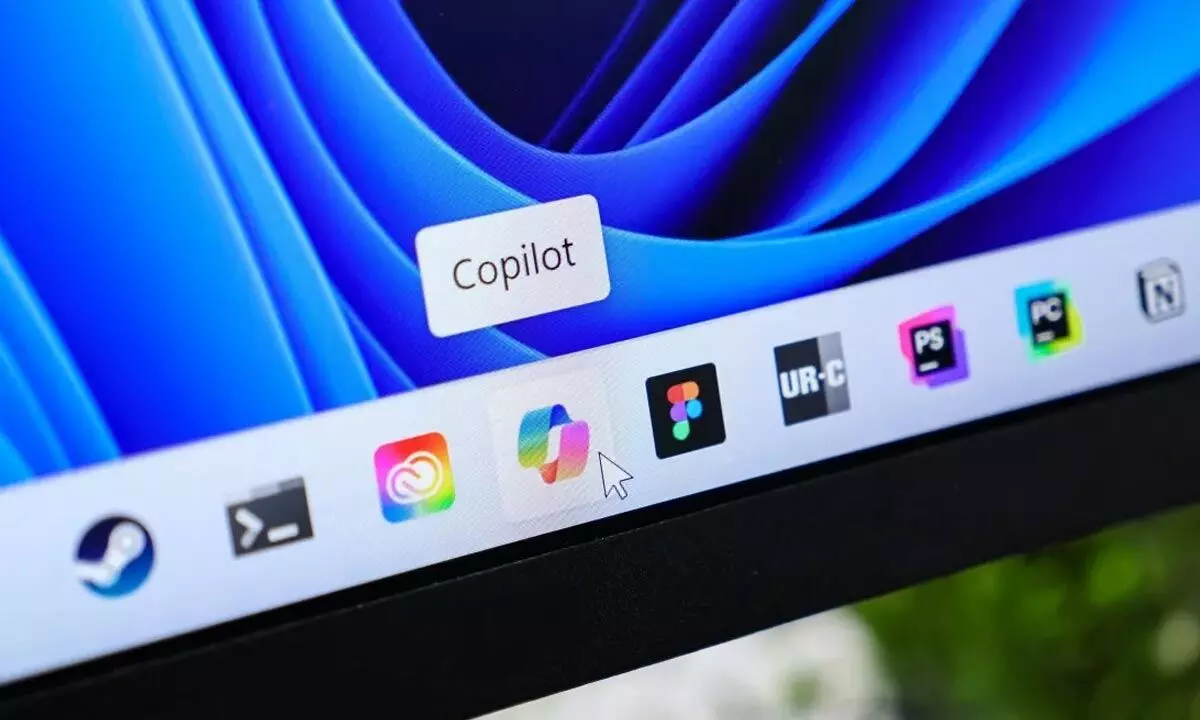
Microsoft is testing a new Windows 11 taskbar button that lets users share active windows directly with Copilot Vision.
Microsoft is continuing its push to integrate AI deeper into Windows 11, this time by experimenting with another Copilot button. The latest feature, spotted in the newest Windows 11 Insider Preview build, gives users the ability to share any open app window directly with Copilot Vision — right from the taskbar.
When hovering over an app on the taskbar, alongside the usual preview window, users will now see a new option labelled “Share with Copilot.” Clicking this launches Copilot Vision, which scans the visible contents of that application window and allows users to interact with Microsoft’s AI assistant for further analysis or context.
For example, Copilot Vision could identify players celebrating during a sports broadcast, or provide background information about an artwork shown in a photo. Beyond recognition, it can also deliver tutorials and relevant context tied to what’s displayed, extending Copilot’s role from a text-based assistant to a more visually aware companion.
A screenshot shared by Microsoft shows this button appearing in the preview of a Microsoft Edge window, but the company has indicated the functionality will work with other applications as well.
The addition is part of Microsoft’s broader strategy to embed Copilot throughout the operating system and its suite of tools. Copilot buttons already appear in Microsoft Paint, Notepad, and across the taskbar. Dedicated Copilot keys are now even shipping on new keyboards and laptops, signaling the company’s commitment to making AI a central part of everyday Windows use.
Still, the move has sparked mixed reactions. As Terrence O’Brien, the Verge’s weekend editor, humorously noted: “Have enough Copilot buttons in your life? No, you don’t — have another one!” Many Windows users have expressed that while AI enhancements can be helpful, the constant addition of new Copilot shortcuts feels unnecessary and risks overwhelming the interface.
Interestingly, this experimental button arrives alongside another Copilot feature within the same Insider build that many users may find more practical: the ability to instantly translate on-screen text. By comparison, the new taskbar shortcut might appear redundant, given the multiple existing ways to summon Copilot.
Microsoft, however, has clarified that this is just an experiment. “We’re trying out this taskbar capability,” the company explained, suggesting that the feature may not be included in the final release of Windows 11. Insider builds often serve as testing grounds, and features that don’t resonate with users are quietly dropped before making it into public versions.
The balance Microsoft faces is clear: while the company is determined to make AI a daily part of computing, it must also address concerns that users may feel inundated by Copilot’s presence. The latest experiment highlights both the promise and potential pitfalls of integrating AI so deeply into an operating system.
For now, Windows Insiders can try the “Share with Copilot” taskbar button firsthand — but there’s no guarantee it will appear in future updates.